Why Dental Practices Shouldn’t “Go Naked” on IT Support

Last Updated: October 2026
What does it mean for a dental practice to “go naked” on IT?
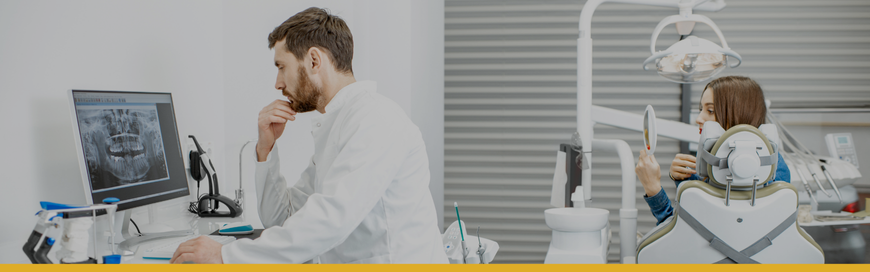
Going naked means running your practice without a proactive IT and security partner watching your systems. That looks like break-fix tech you call when something dies, a “tech-savvy” team member who got the job by default, or no one at all.

Phishing in a Dental Office: Real Examples, Red Flags, and a 5-Minute Training Script

Last Updated: October 2026

Dental office phishing is when scammers send fake emails, posing as a vendor, the dental board, or ever your own doctor, to trick your team into clicking a bad link or sharing a password. This guide shows four real examples, five reg flags your team can spot in seconds, and a 5-minute huddle script you can use this week.

Is the HIPAA Security Rule Final in 2026? Here’s What Dental Practices Need to Know

Updated: October 29, 2026
No, as of September 2026, the proposed HIPAA Security Rule overhaul (mandatory encryption, MFA, asset inventories, semiannual vulnerability scans, annual penetration testing, 72-hour restoration, and more) is still not final law.

The Most Overlooked Deadline in Your Dental Office: Windows Server 2016 End of Life

Windows Server 2016 reaches the end of Microsoft's extended support on January 12, 2027. After that, it stops receiving security patches, bug fixes, and technical support. The server keeps running, but new vulnerabilities discovered after that date are never patched — which creates compliance risk (HIPAA, PCI DSS) and can jeopardize cyber insurance coverage if a breach occurs on an unsupported system.

Is my Dental Office’s Email Secure? (And How to Tell What You’re Using in 10 Minutes)

You shouldn’t need an IT degree to answer a basic business question: “Is our email secure?”

But most dental owners and office managers are in the same boat:

Email works…so it must be fine, right?
We have email covered with Gmail, Hotmail, Yahoo, or AOL.
OR, you’re not even sure what kind of email system you have.

Before Disaster Strikes: Your 12-Point Checklist for a Secure Dental Practice Backup Solution

A server crashes. A ransomware attack locks your charts and imaging. A pipe bursts and floods your office.

Those aren’t just IT problems. In a dental practice, they become canceled appointments, delayed claims, lost chair time, stressed staff, and patients who lose confidence fast.

Is Your Dental Practice Safe? A Clear Guide to Ransomware & HIPAA Compliance

A single notification flashes across a screen you’ve stared at a thousand times:

“Your files have been encrypted.”

And suddenly your practice isn’t just “having a tech issue.” It’s frozen.

The front desk can’t pull tomorrow’s schedule.

ROI of Dental IT: 3 Tech Investments that Protect and Grow Your Practice

As a specialty dental practice owner or leader, you navigate a complex landscape of patient care, staff management, and financial oversight. It’s easy to view technology as a necessary but cumbersome expense...another line item on a budget crowded with payroll, supplies, and facility costs.

Dental Practice Cybersecurity: What Most Learn Too Late

You have a firewall, antivirus, and a login password. You’re covered, right?

Not quite.

Most dental practices don’t realize that cyberattacks don’t just target big hospitals or giant corporations. Hackers love going after smaller healthcare practices—especially dentists—because they often assume their IT is “just good enough.

Why Email Encryption is a Must-Have for Your Dental Practice

You probably use email to send patient records, treatment plans, X-rays, and referrals every day. It’s fast, it’s convenient…but it’s also risky.

Why? Because unless those emails are properly encrypted, they’re vulnerable. Think of it like mailing a postcard.